Keep the basis together.
Local records, files, assumptions, and approved figures stay with the property. Open the source behind a number.
Real estate development, connected
Bring the site, numbers, sources, and team into one workspace. Move from the first address to the next decision.
From acquisition through operations. Across the United States.
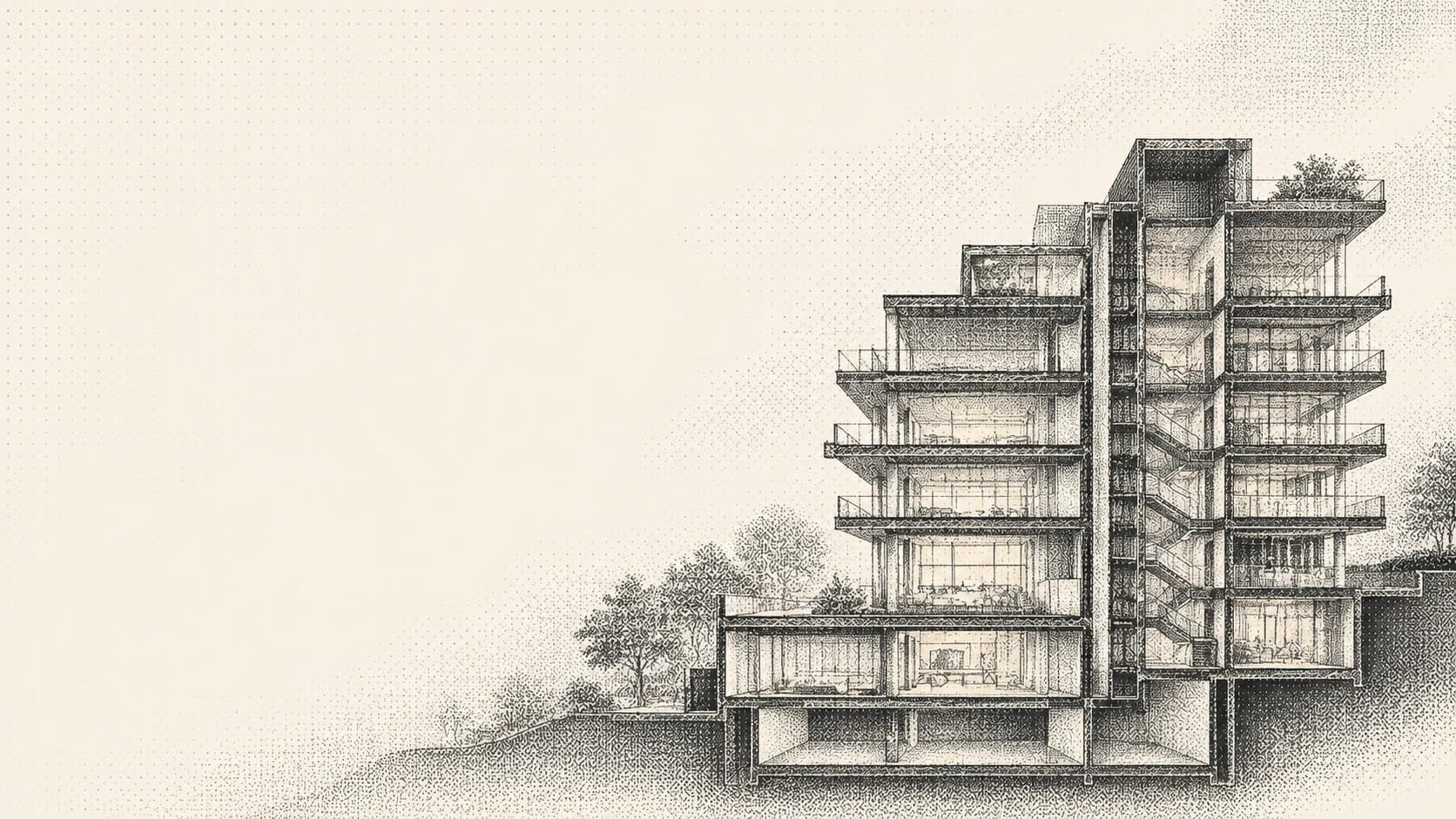
01 / The workspace
See the property, approved figures, and current review together. Choose a phase below to explore the work.
Austin, Texas · Multifamily
The site program and cost plan are approved. Review the investment case before the next commitment.
Compare the scenarios and confirm the financing assumptions. Keep open conditions with the decision.
Open your workspaceDevelopment brief — Property, program, and current approved basis.
Human approval required. Project and figures are illustrative; investment figures are forecasts.
Interactive product preview · Illustrative project and figures. Local data and requirements must be verified.
Local records, files, assumptions, and approved figures stay with the property. Open the source behind a number.
See the current phase, open reviews, and next action. Move from the project list straight to the work.
Connect site plans to costs, costs to returns, and approved budgets to bids. Keep the history when the basis changes.
02 / The decision basis
Agents prepare research and propose work. Calculations use saved inputs. You review the evidence, resolve conditions, and approve the basis.
Original file and source date
VerifiedOwner and rationale retained
ApprovedSaved inputs and exact calculations
CurrentHuman approval required
For reviewWhen the source changes, review what depends on it. Keep the approved record and its history.
03 / Beyond the decision
Keep the team and the financial basis connected as a project moves into delivery and operations.
Compare scope and exclusions. Track delivery gates, construction records, and changes against the approved budget.
Record operating actuals. Keep forecasts separate from results, and review the assumptions behind the next asset decision.
Keep contacts, follow-ups, files, and review owners close to the project. Give the next person the same working record.
04 / Your project list
Manage projects across all 50 states and Washington, DC. See the phase, financial snapshot, and next action for each property.
Automatic zoning, permit, and parcel data availability varies by jurisdiction. Bring local documents and verify site requirements.
Illustrative records. No live project or market results are shown. Missing approved figures stay blank.
A few useful answers
Start with a property. Review site facts and the proposed program, prepare a cost plan, compare investment scenarios, and organize bids. Keep files, contacts, tasks, approvals, delivery records, and operating performance in the same workspace.
Yes. Project intake supports all 50 states, Washington, DC, and U.S. territories. Automatic parcel, zoning, and permit coverage depends on the local connector. Add local documents and manual site facts where a connection is unavailable.
Agents help review documents, prepare research, and propose work from the project record. Saved calculations use deterministic engines. People review and approve the records that form the basis for a decision.
Yes. Upload project documents or import files from a connected Google Drive account. Enter and review your site facts, cost assumptions, and underwriting inputs. Mogul keeps source and version records with the saved work.
Investment decisions and material commitments require human approval. Forecasts depend on the inputs and their source quality. Review local requirements and material assumptions with the appropriate professionals.
Your next project starts here
Have an account? Sign in